





Lock & Key in Marble Sort: How to Free Locked Boxes
Locked boxes show up in Marble Sort around the harder middle levels. A locked box hides a 3-slot box behind a black gate that only opens when a silver key marble drops into it. The key marble is a normal marble you can route, but its actual job is to unlock the gate.
This guide explains how the silver key works, how to read locked layouts, and how to time the key drop to clear tricky levels like Level 154.
How the Lock Works
The marblesort.com features page describes locks as a “locked pallet” or “locked gate” with a keyhole. A silver key marble dropping on the keyhole opens the gate. Once open, the box behind the gate behaves like a normal 3-slot box.
The key marble itself is still a marble: it occupies belt space, and if it sits on the tray, it can block other marbles from dropping. The trick is to use the key strategically rather than letting it fade into the conveyor shuffle.
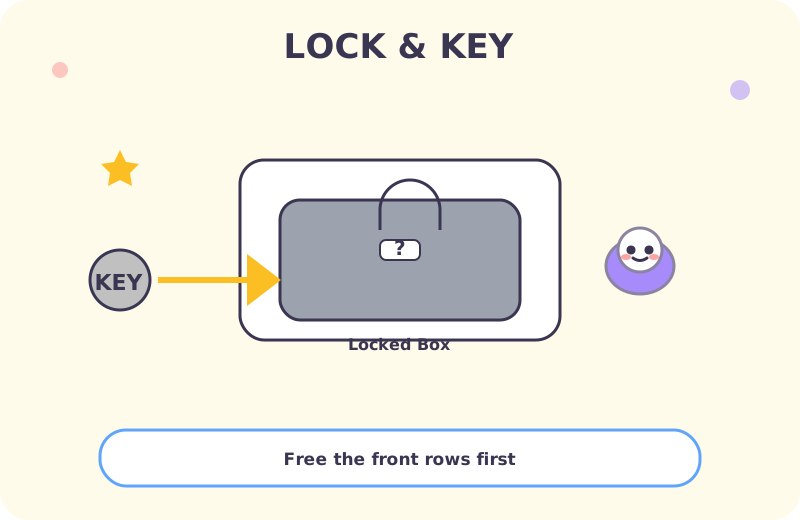
The Key Marble Pattern
In most levels:
- A silver key marble appears in the tray.
- The locked box is somewhere in the lower rows.
- The key marble travels like a normal marble, but its destination is the lock.
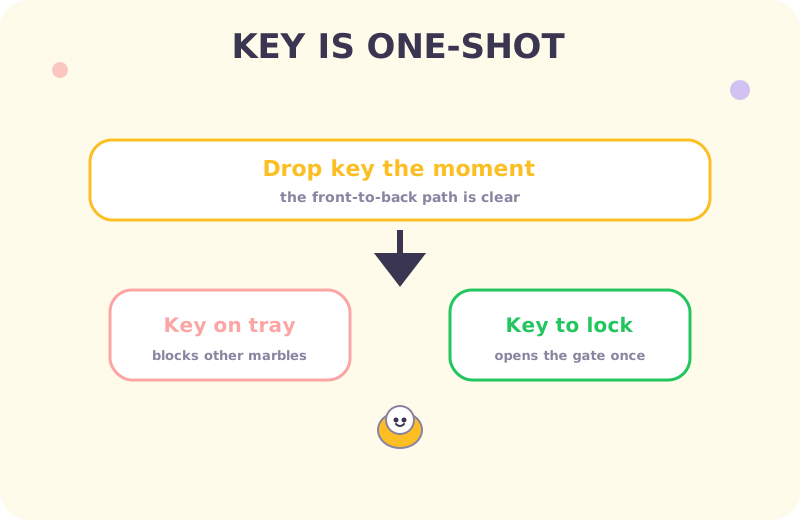
The pattern is consistent: the key marble is a one-shot effect. Use it once, the lock opens, and the key marble is gone. Don’t confuse it with regular color marbles.
Front-to-Back Reading
Locks often appear in the 3rd or 4th row, behind visible boxes. To get the key marble to the lock without overfilling intermediate boxes:
- Clear all visible boxes first.
- Send the key marble down once the path is clear.
- Use the freed space to receive the actual box sorting.
This is the same front-to-back discipline that helps with mystery boxes and panels. The general rule: clear what’s blocking before you commit the key.
Level 154 Example
Level 154 is a teaching example for the lock mechanic. The layout typically has:
- A locked box in the back row.
- A silver key marble in the tray.
- Several near-full boxes in the front row.
The winning approach: finish the front-row boxes first, then send the key marble toward the lock. Don’t waste the key on an intermediate box.
Frequently Asked Questions
What is a silver key marble in Marble Sort?
A silver key marble is a special marble that opens the lock on a locked box. Once you drop it on the lock, the gate opens and the box behind becomes a normal 3-slot box.
How do I read a locked box layout?
Locked boxes typically appear in the 3rd or 4th row. Clear the front rows first so the key marble can reach the lock without overfilling intermediate boxes.
Should I save the key on the tray?
Don’t keep the key marble on the tray. It eats tray space and blocks other marbles. Drop it toward the lock once you have a matching box ready.
Can I use a key marble on a normal box?
No. Key marbles only unlock locked boxes. They go through normal boxes without effect.
Conclusion
The lock-and-key mechanic is a one-shot effect. Read the layout front-to-back, clear what’s blocking, and time the key drop for a clear path.
For the hidden boxes that often appear alongside locks, see the mystery box guide. For the panel-heavy layouts that combine with both, see the panel breakdown strategy. For the full cheat sheet, see the golden rules master list.