

Video Guide
Locked Gate: A Sealed Zone With a Color Key
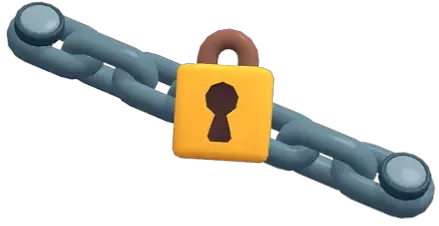
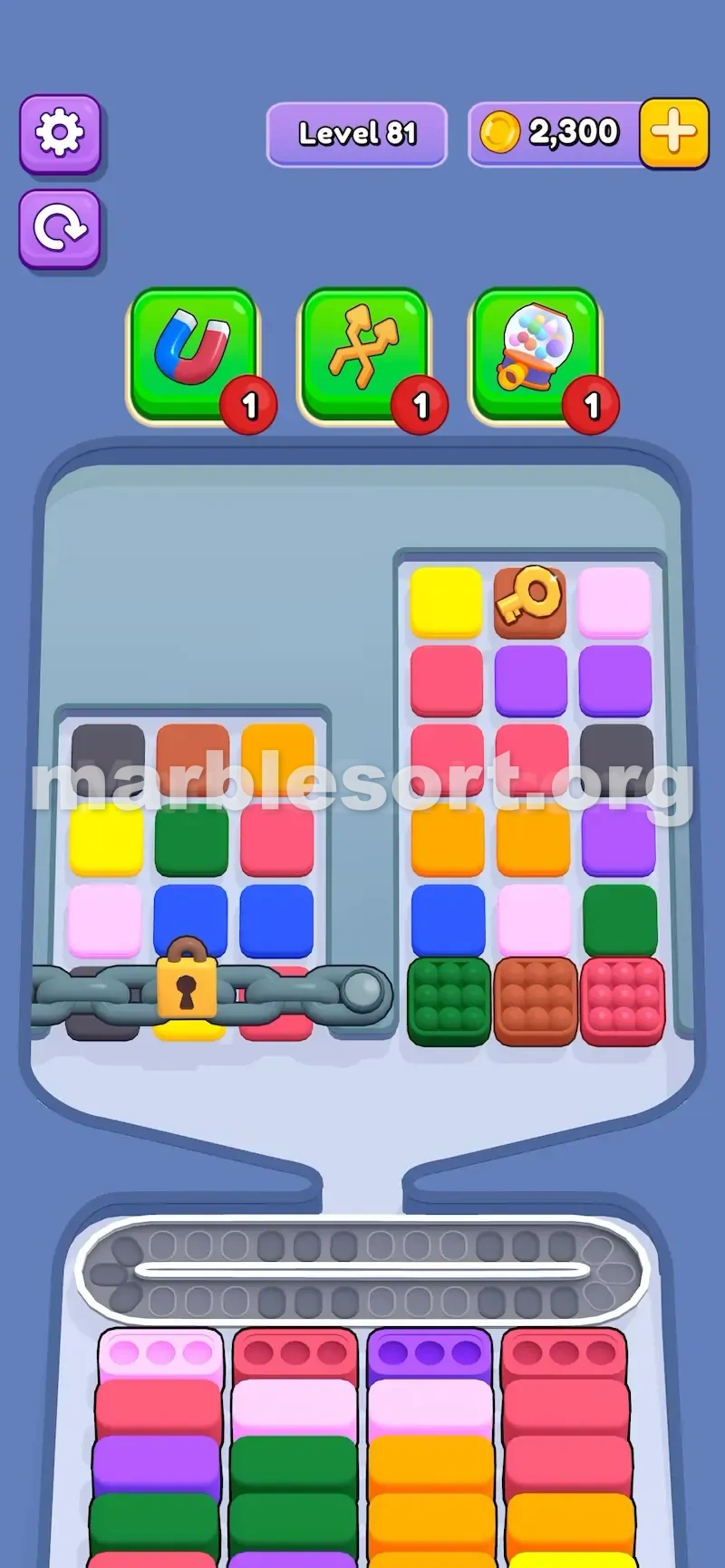
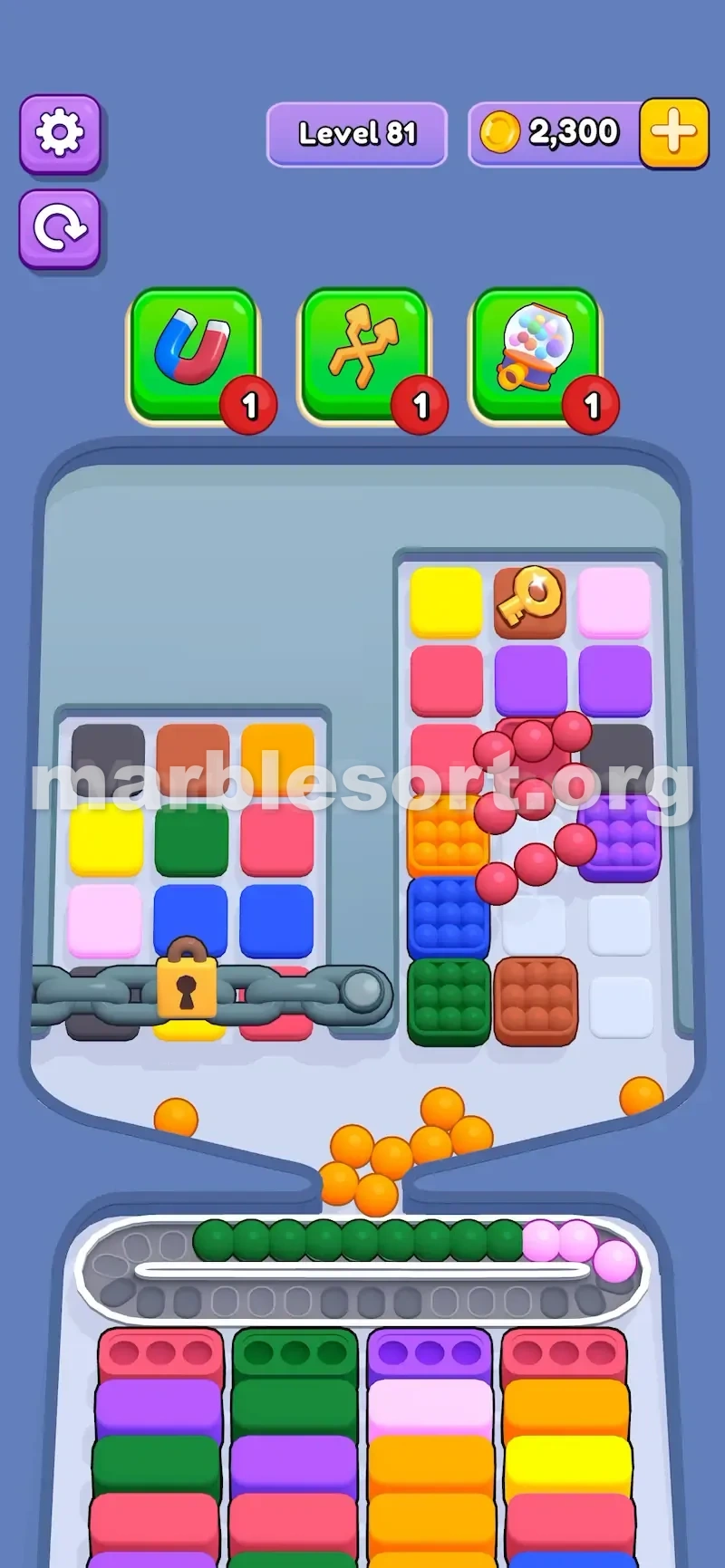
A Locked Gate is a group of boxes held shut by a chain and a lock, and the lock stays until you feed it the right key.
This blocker is common in Marble Sort, and it does more than hide boxes — it decides which part of the board you may touch at all.
It guards a set of chained boxes behind a lock. Those boxes stay sealed until the gate opens, so the first part of the level is played on a smaller map than it looks.

What Locked Gate Does
A Locked Gate protects a group of chained boxes; those inside the locked area cannot be tapped until it opens.
Locks and keys share colors: a yellow lock wants a yellow key, a red lock a red key, and stages with several gates each carry their own key.
The key is one specific Key Box, not a color. You do not clear every marble of that hue; you tap the single box marked with the key icon.
The gate makes you start with only part of the board, and the Key Box is often buried up top or deep, ringed by shades you cannot use yet.
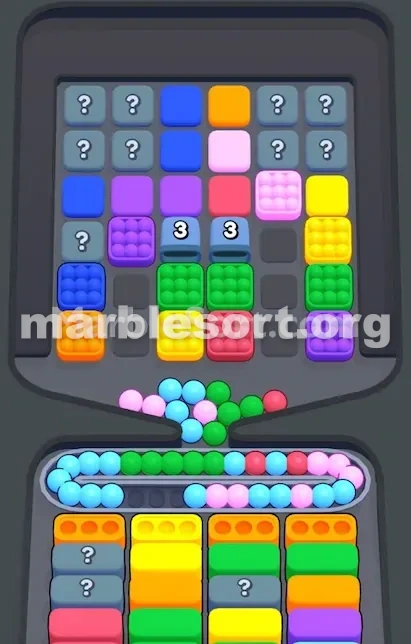
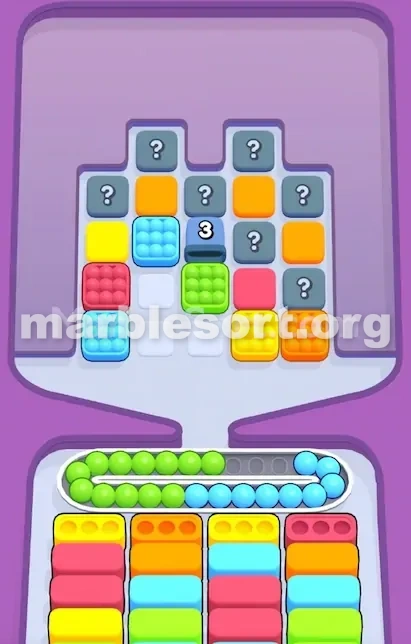
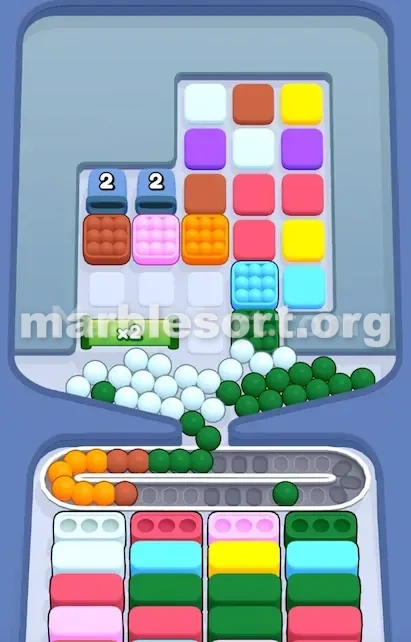
Reading a Locked Gate Board
Before you drop anything, read the board. Find the lock color first, because that color tells you which key to chase.
Then locate the Key Box — the one box that carries the key icon for that color.
Scan the bottom boxes too, so you know which colors you can already clear while the gate stays shut.
Once the gate opens, the locked boxes become tappable, but they may hold colors you were not ready for, so check before dumping marbles on them.
Why Locked Gate Is a Blocker
A blocker feature restricts your normal flow, and Locked Gate does that by sealing a whole area behind a colored lock.
You cannot tap the locked boxes, so a color you need may sit right there, just out of reach, while you clear the open part of the board.
The Key Box is usually not free either — it sits behind other boxes, so reaching it costs moves and belt space.
That pressure is the point: the level is not just about color matching, it is about opening the right area before the conveyor chokes. A locked gate that hides the color you need most can stall the entire board until you find its key.
Smart Play on Locked Gate Levels
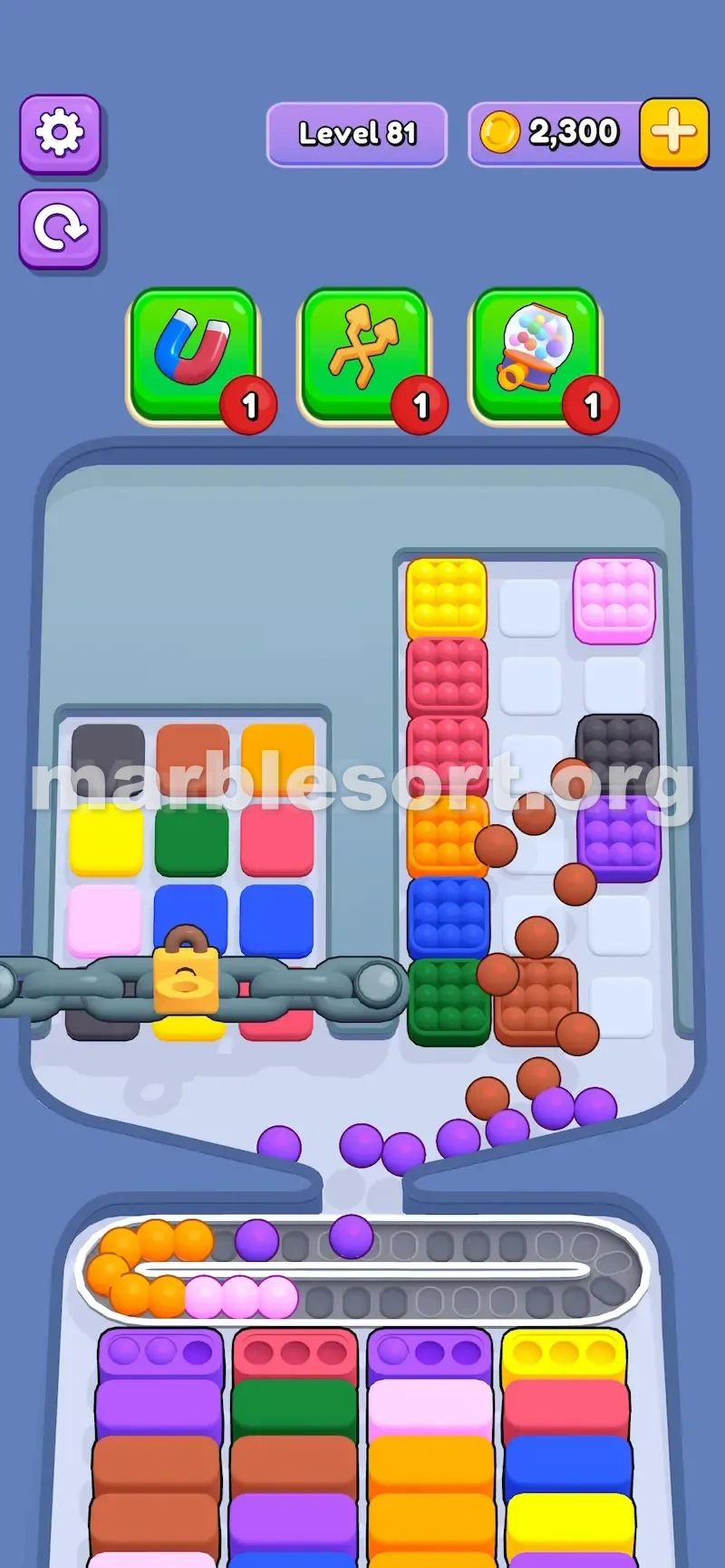
The smart move is not to sprint for the key but to clear safe colors while cutting a path toward it. Begin with boxes that match bottom slots, and skip dead shades.
Lift the gate while the belt is steady, then pause half a beat to see what the freed zone holds — it often hides the color you need most.
If the Key Box sits high, clear one safe neighbor box before tunneling straight at it.
A good order is: fill the open bottom boxes first, clear a route to the Key Box, open the gate, then deal with the newly freed colors. Never open the gate just because you can — open it when the belt has room to absorb what comes out.
Locked Gate Versus Locked Pallet
Both use keys and locks, but they block different things. A Locked Gate sits on the upper board and stops you from dropping certain top boxes until it opens.
A Locked Pallet sits at the bottom and stops you from clearing certain bottom boxes; the colors may already be reachable, they just cannot finish.
So a gate blocks movement, while a pallet blocks cleanup. On many stages the two appear together: a gate hides access up top, a pallet freezes clearing down low, and you must solve both before the board opens up.
Mistakes, Hard Stages, and Key Tips
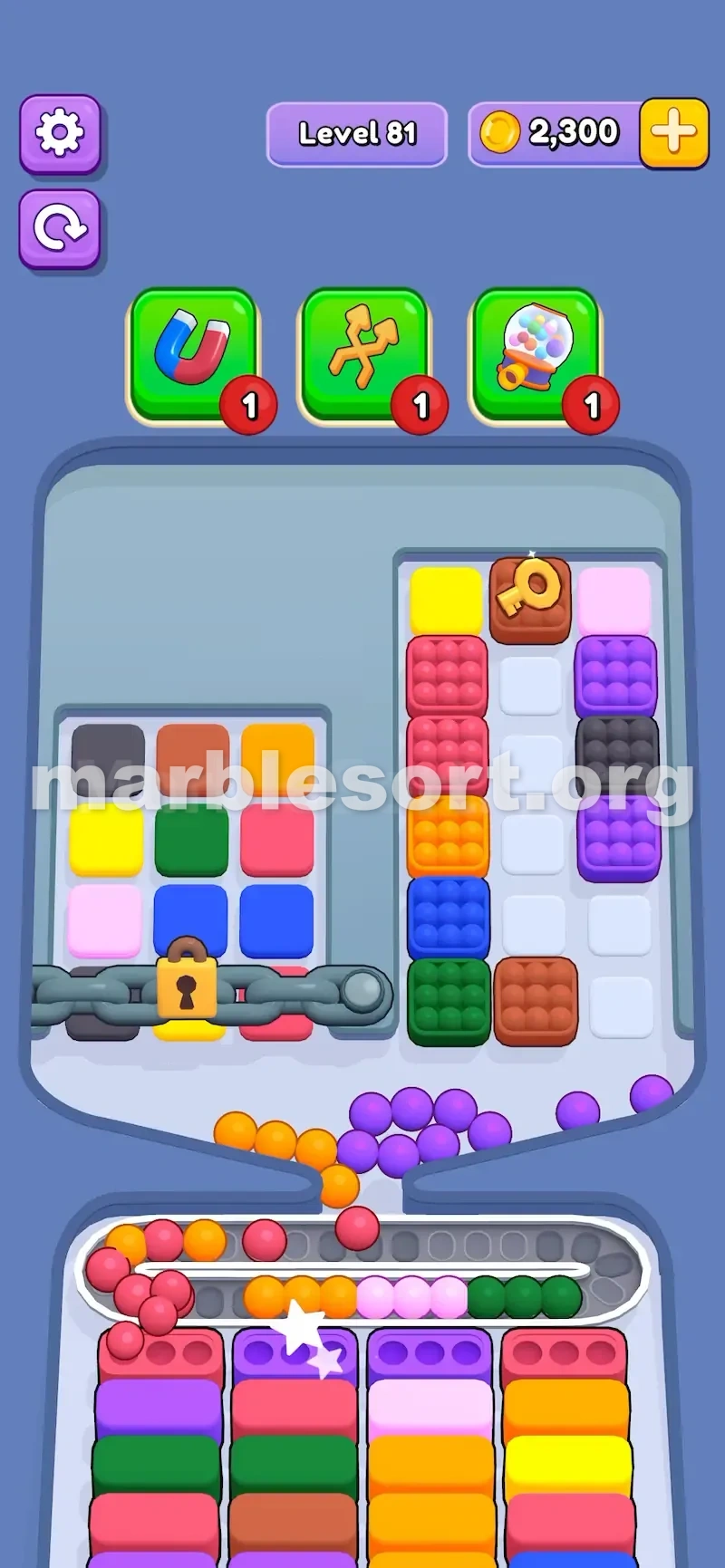
The common slip is rushing the key while the belt is full. You open the gate, the freed boxes spill colors you cannot place, and the conveyor jams. Clear open matches first; open the gate only when there is room for what appears.
Another slip is treating the key as a color. The key is one specific box with the icon — do not waste moves clearing a whole color hoping it counts. Tap the marked box and the gate lifts.
The feature gets hard when two or more gates stack, each needing its own key, and the Key Boxes sit behind each other. Then you open one gate and find the next key locked behind it. Plan the order: open the gate whose freed area also reveals the next key box, not the one that just gives you more locked boxes.
Pro tip — keep a short checklist: find the lock color, find its Key Box, check the bottom colors you can clear now, open the gate only on a stable belt, then pause to read the freed zone. That half-second pause is the difference between a clean clear and a belt that overflows. The gate rewards patience, not speed.